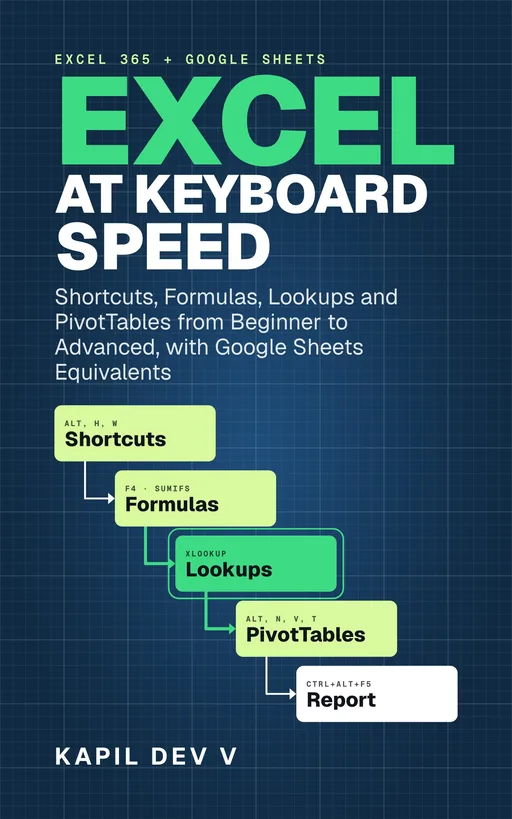
Excel at Keyboard Speed
Shortcuts, Formulas, Lookups and PivotTables from Beginner to Advanced, with Google Sheets Equivalents
by Kapil Dev V
Every skill taught as a keyboard workflow inside a real task, not as a list of shortcuts to memorise. It starts with the shortcuts that pay back in a day and builds to formulas, lookups, dynamic arrays, tables, clean data, PivotTables and charts, with a practice task on one small business's data in every chapter and the answers at the back.
The Kindle eBook. Amazon.in in India, Amazon.com outside India.
What you will be able to do
- Reach any cell, block or command in one or two keystrokes, including every ribbon button through the Alt KeyTips
- Enter, fill, fix and format data without the mouse, including custom number formats and conditional formatting
- Build formulas that copy correctly, using relative and absolute references, and debug the ones that don't
- Answer "how many" and "how much" questions with IFS, SUMIFS and COUNTIFS
- Pull data from another table with XLOOKUP, and read the VLOOKUP formulas you inherit
- Produce self-updating lists with FILTER, SORT, UNIQUE and LET
- Clean a messy export: stray spaces, split columns, duplicates, blanks, and numbers stored as text
- Summarise thousands of rows with a PivotTable and chart the result so it makes one point
- Do all of it in Google Sheets too, with every shortcut given for Windows and Mac
Written for anyone who uses Excel for work or study and wants to be better at it, not just faster. It covers Excel for Microsoft 365, Excel 2021 and Excel 2024 on Windows, and Google Sheets on Windows and Mac.